Select
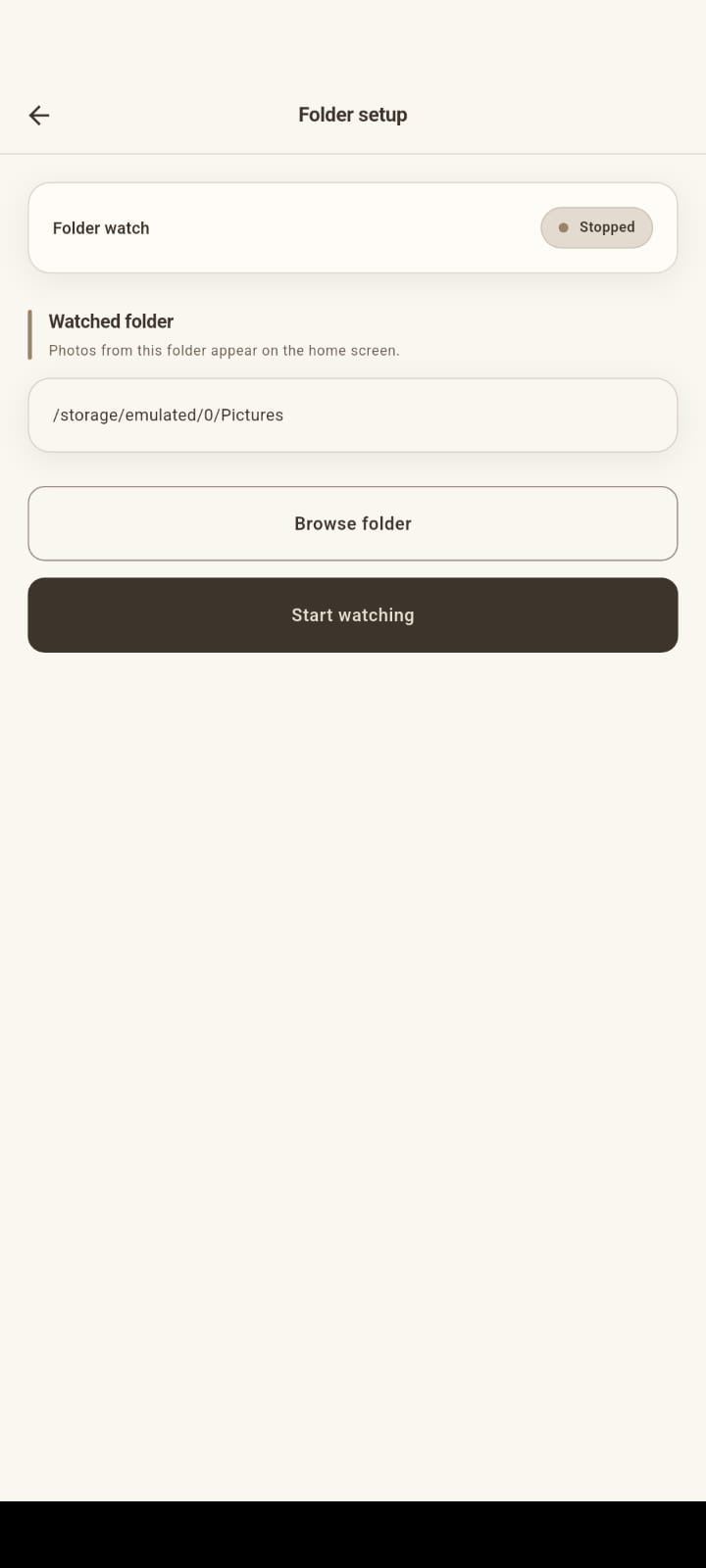
Choose the photograph folder and browse available photographs.
A custom Android solution designed to simplify photo selection, template composition, image adjustment, preview, and printing for a photography and photo booth workflow.
The application brings photo selection, template-based composition, touch adjustment, preview, and printing into a dedicated Android workflow for photography and photo booth operations.
Admin and Staff share the same app, with access determined by role. Administrators manage staff accounts and monitor printing activity; operators run the photo-to-print path on site.
From folder selection to print—and activity recorded for Admin monitoring.
Choose the photograph folder and browse available photographs.
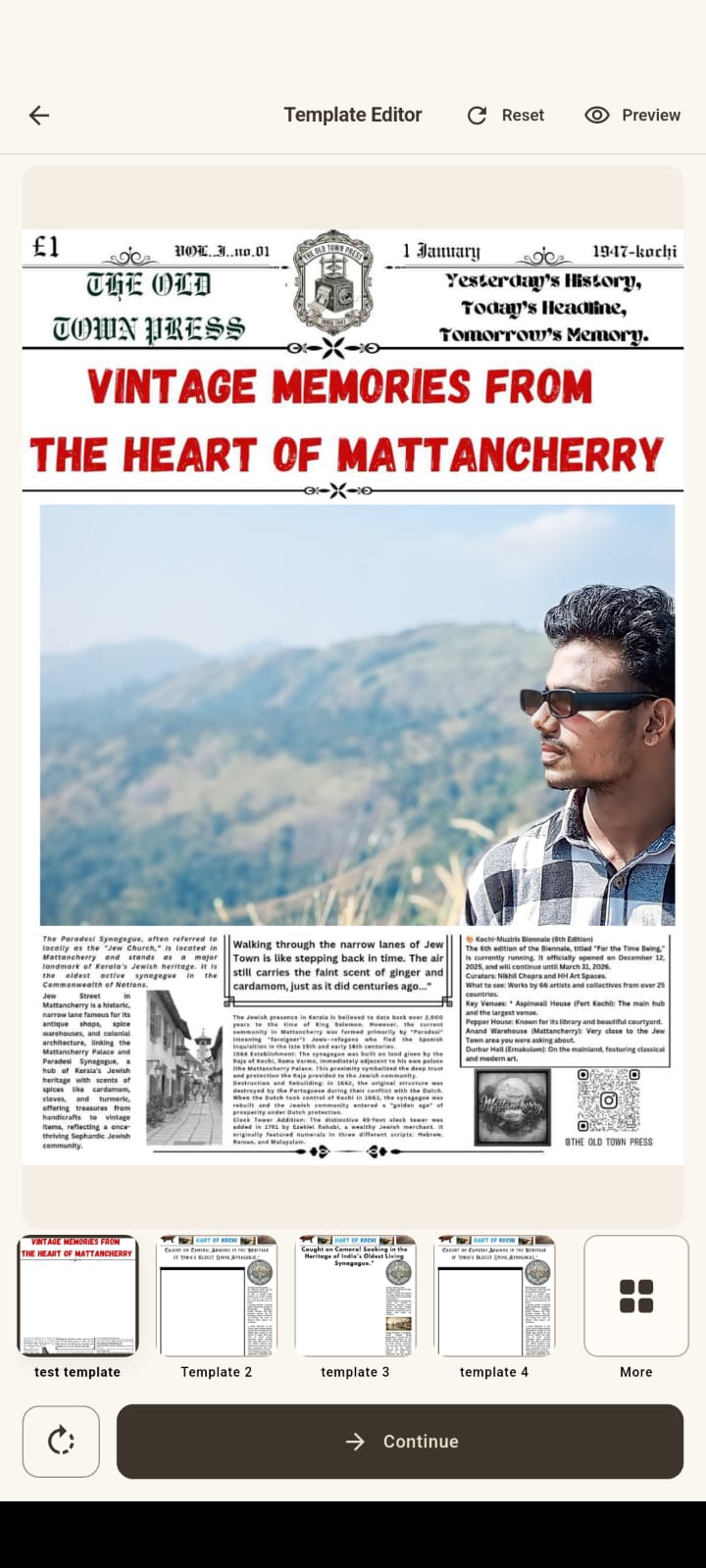
Select a pre-created print template.
Position and scale the photograph using touch gestures.
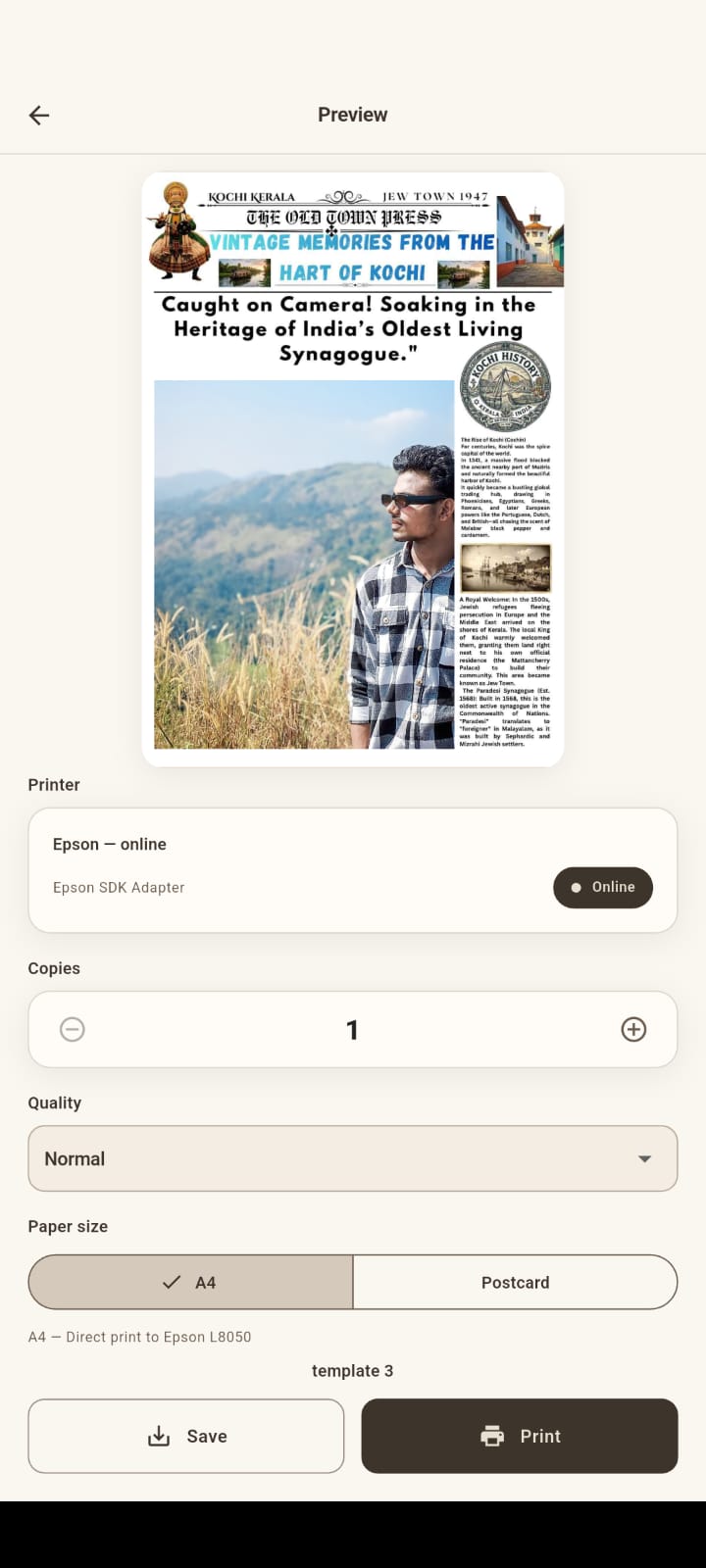
Review the final template composition.
Send the completed composition through the Android printing workflow.
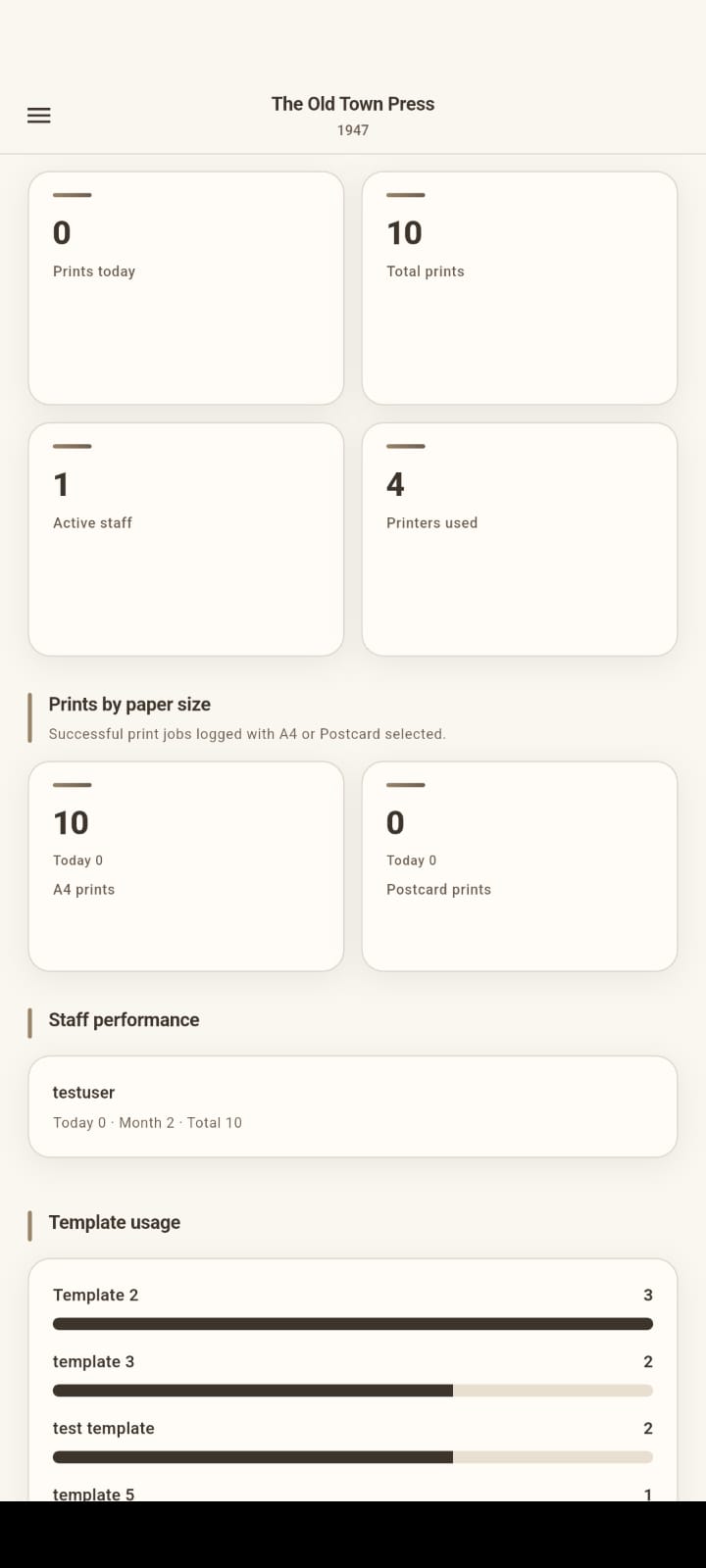
Printing activity is associated with the staff account for Admin monitoring.
Confirmed capabilities built for the client’s photo booth and printing workflow.
Admin and Staff authenticate in the same Android application, with available functionality determined by role.
Operators manually select a designated folder on the device where photographs have already been transferred.
Browse selectable images from the chosen folder, pick a photograph, and change the selection before completing the workflow.
Apply client-specific, pre-created print templates that define the fixed layout for the final composition.
Scale with pinch-to-zoom and drag to reposition the photograph within the template’s designated composition area.
Review the final template composition, return to adjustment if needed, then proceed to print.
Print through Android’s printing infrastructure, supporting USB printing and IPP-based network printing to the Epson L8050.
Backend records printing activity by staff account so Admin can view individual counts and overall printing activity.
One application, two roles—customers are not direct users of the app.
Flutter Android client, PHP API on Hostinger, and Android printing to the Epson L8050.
Reliable physical printing from the Android application was the major technical challenge.
Reliable physical printing from the Android application.
Explore direct USB/OTG communication with the Epson L8050.
Direct USB output was unreliable and produced garbled/corrupted prints.
Redesign printing around Android’s native printing infrastructure.
Android printing integration, plus IPP-based network printing support.
The initial implementation explored direct USB/OTG communication with the Epson L8050. The resulting output was unreliable and produced garbled/corrupted prints.
Instead of retaining an unreliable approach, the printing architecture was redesigned around Android’s native printing infrastructure. The final implementation uses Android printing integration and also supports IPP-based network printing.
From secure access to photo selection, template composition, printing, and administration — a closer look at the application.
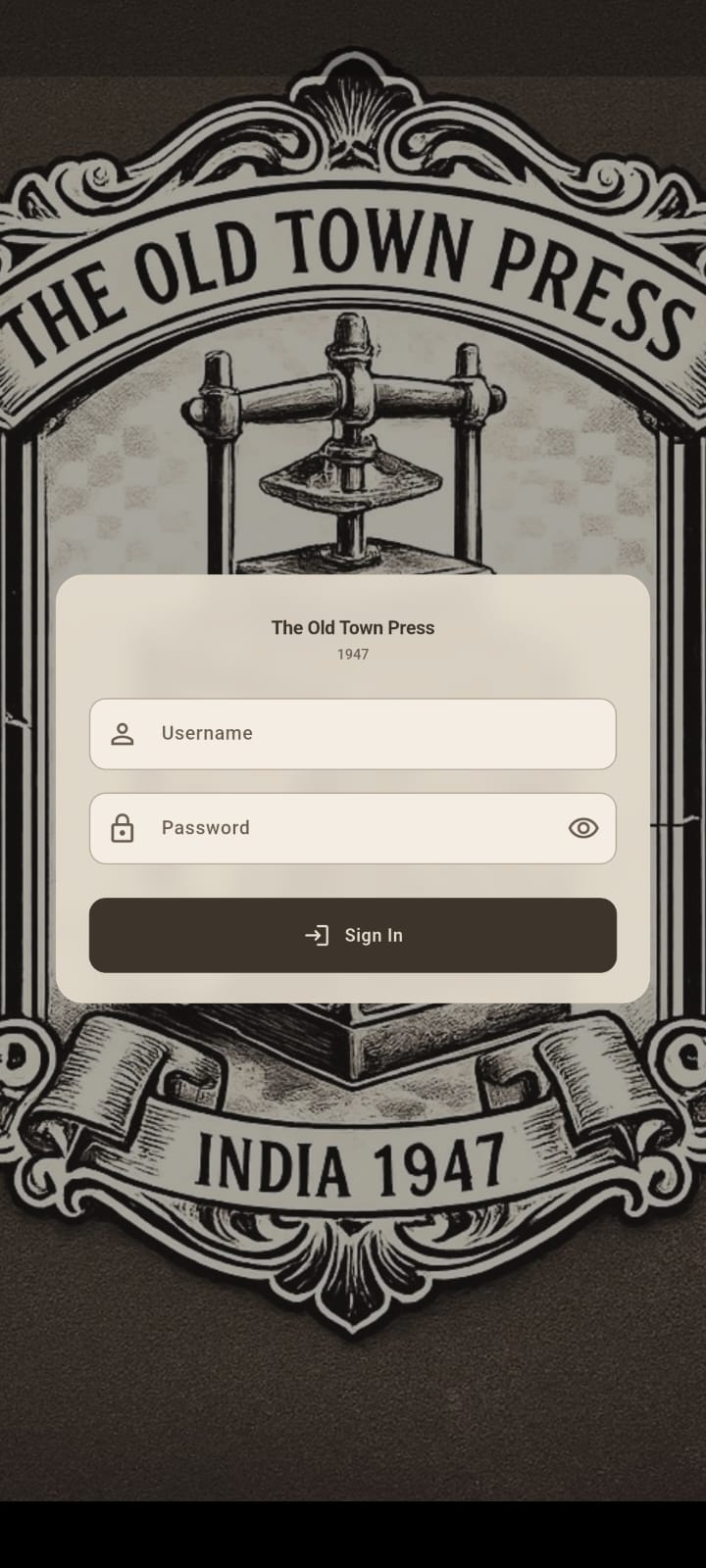
1 / 5
Secure access for Admin and Staff accounts.
Quinac Global handled the application development, backend/API development, printer integration, testing, build generation, and private client delivery as an APK (not published on the public Google Play Store).
The completed application provides the client with a dedicated workflow for selecting photographs, applying print templates, adjusting and previewing photographs, and printing them through an Epson L8050 printer. It also provides role-based Admin and Staff access and allows administrators to monitor staff printing activity and overall printing counts.
The project demonstrates the development of a real-world, client-specific Android application combining touch-based photo composition, role-based access, backend services, printing activity management, and physical printer integration.
Quinac Global builds custom digital solutions around real business requirements.